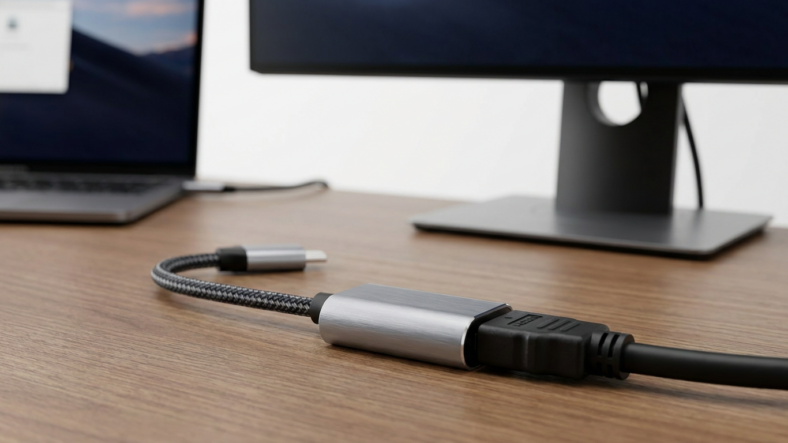


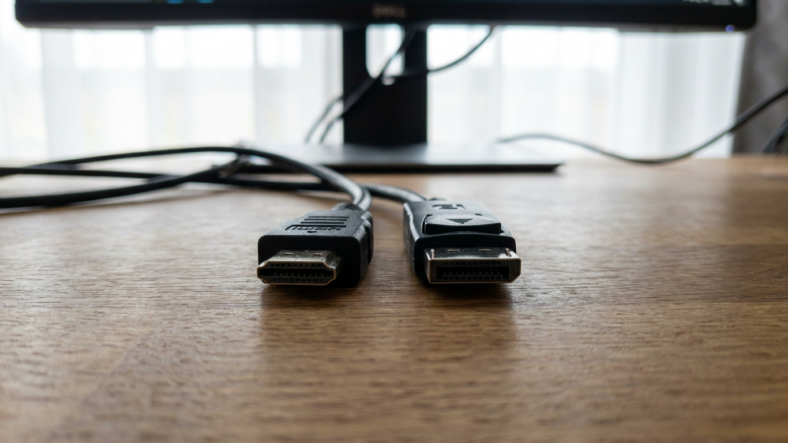
If you need to plug an HDMI source into a DisplayPort monitor, a passive adapter will not work. HDMI and DisplayPort send video signals in completely different formats, so going from HDMI to DisplayPort always needs an active adapter with a signal-converting chip inside it. Going the other way, DisplayPort to HDMI, is often passive. That direction difference is the single most common reason these adapters end up returned.
Why the Direction Changes Everything
HDMI sends raw TMDS signal data. Many DisplayPort sources can also output a TMDS-compatible signal through a feature called DisplayPort Dual-Mode, or DP++. That’s why a cheap, passive DisplayPort to HDMI cable often works fine: the graphics card is already doing the conversion internally.
An HDMI source has no such trick. It only ever speaks TMDS. A DisplayPort monitor expects DisplayPort’s own packetized protocol. Nothing about the raw signal lines up, so a passive cable just leaves you with a black screen and no error message explaining why.
Passive vs Active: What You’re Actually Buying
A passive adapter is just wiring. No chip, no power draw, no translation. It reroutes pins and nothing else.
An active adapter contains a small processor that reads the incoming signal, decodes it, and rebuilds it in the target format. For HDMI to DisplayPort, that chip has to convert TMDS into full DisplayPort packets in real time, which is why active versions cost more and sometimes need a USB power connection to run the conversion chip.
If your adapter direction is HDMI in, DisplayPort out, and there’s no chip and no USB power lead, you’re holding the wrong part.
How to Confirm Which Adapter You Have
Check for a micro USB or USB-A power tail. If one exists, that’s a strong sign the adapter is active and built for HDMI to DisplayPort conversion.
Look at the packaging or listing for the word “active” or “converter” rather than just “adapter.” Sellers who understand the difference usually label it correctly.
Weight is a rough clue too. Passive adapters are light plastic shells. Active ones usually feel slightly heavier because of the internal circuit board.
Picking the Right Cable for the Job
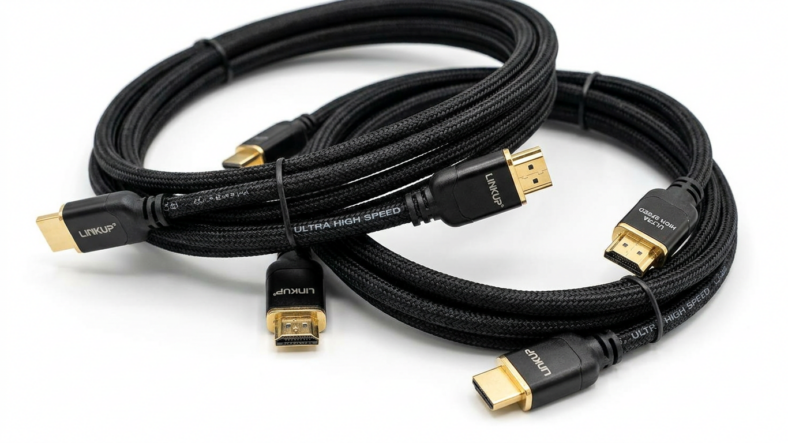
If you’re connecting a laptop’s HDMI cord output to a monitor that only has DisplayPort input, buy an active HDMI to DisplayPort adapter specifically, not a generic dual-purpose one. Review the listing’s supported resolution and refresh rate too, since older active converters can cap out well below what a modern high speed HDMI cable can carry.
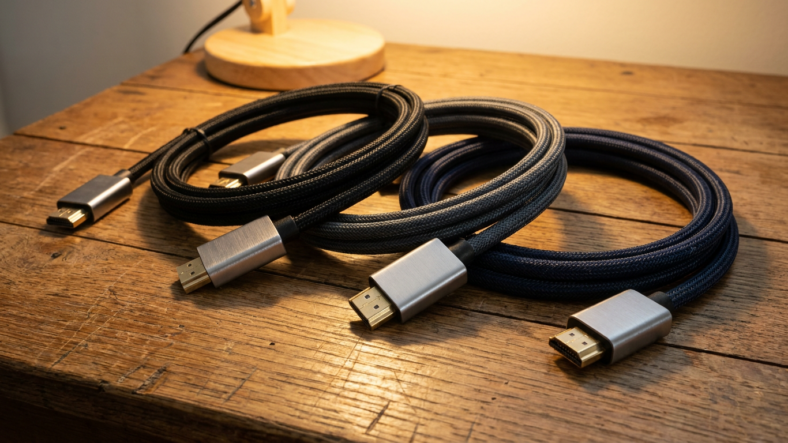
If your source is DisplayPort and your display only takes HDMI, you’re in easier territory. A passive cable usually works, though it’s worth confirming your graphics card supports DP++ first. For a wider look at connector types before you buy anything, the rundown on HDMI cord types is a useful next stop.
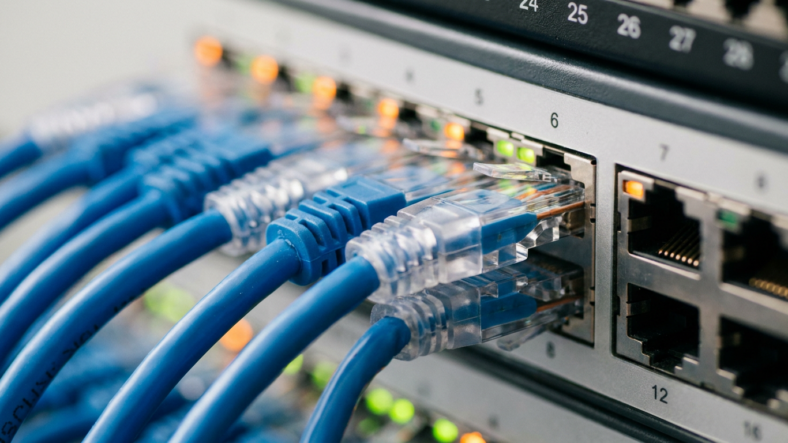
And if the real fix turns out to be adding more ports rather than converting one, an ethernet switch guide style approach applies here too: sometimes a small hub solves what an adapter can’t.
FAQ
Does HDMI to DisplayPort work with a passive cable?
No. Passive HDMI to DisplayPort cables cannot convert the signal correctly because HDMI sources only send TMDS data, which a DisplayPort monitor can’t read directly. You need an active adapter with a conversion chip.
Why does DisplayPort to HDMI work without a chip but HDMI to DisplayPort doesn’t?
Many DisplayPort sources support Dual-Mode (DP++), which lets them output a TMDS-compatible signal already shaped for HDMI. HDMI sources have no equivalent feature, so the reverse direction always needs active conversion.
How do I know if my adapter is active or passive before I open the box?
Check for a USB power cable included in the box or a listing that says “active” or “converter.” No USB lead usually means passive, which only supports the DisplayPort to HDMI direction.

Adriana Mercado is a writer who explores the intersection of science, futurism, and storytelling. She covers simulation theory, emerging technologies, strange biological discoveries, and the worlds created in sci-fi and fantasy. Her work focuses on curiosity, clear explanations, and uncovering ideas that sit just beyond the mainstream.