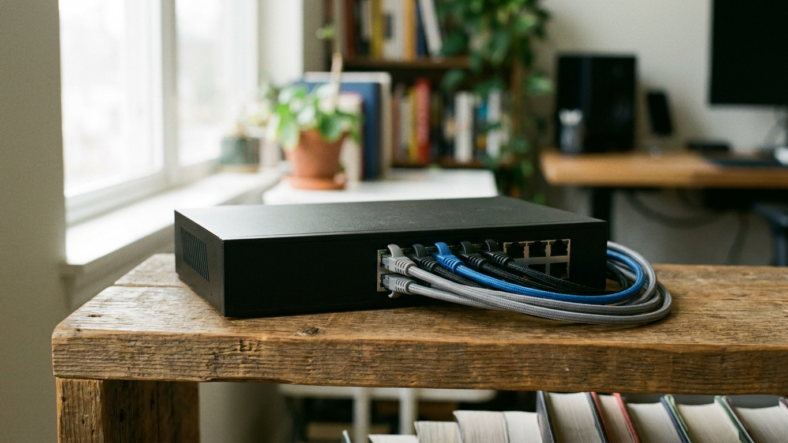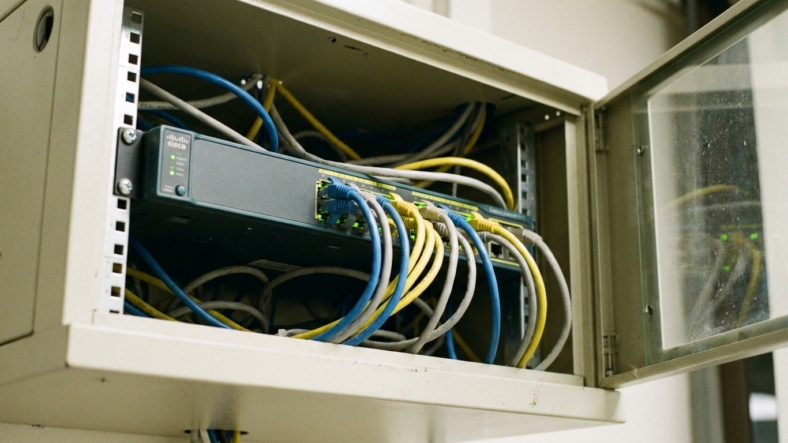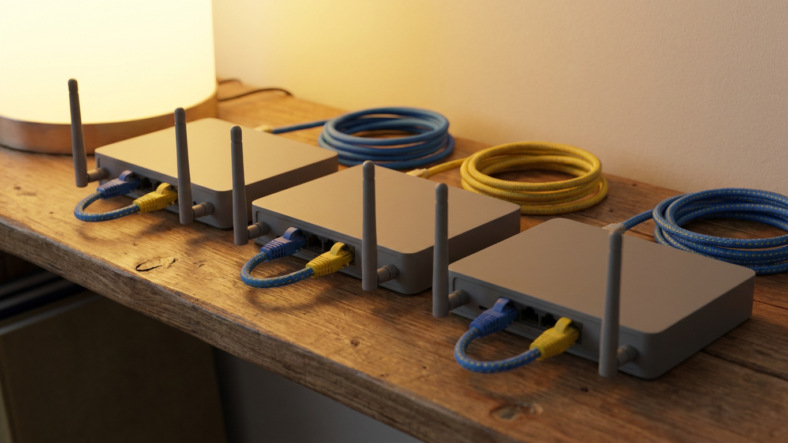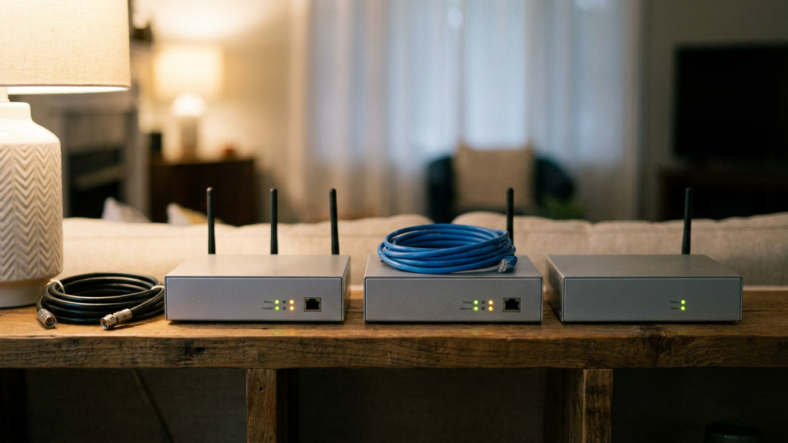


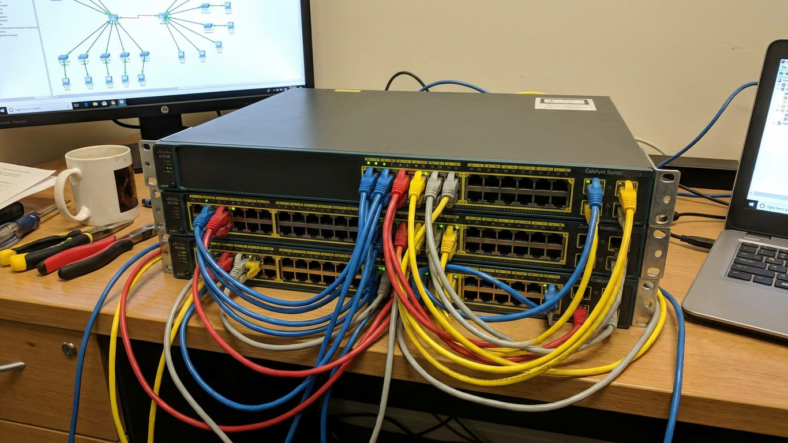
An ethernet switch is a small box that takes one wired connection and splits it into several, giving you more ports for devices that need a stable, physical link. You need one the moment you run out of open LAN ports on your router, whether that’s a smart TV, a game console, a desktop, and a printer all fighting for the same two jacks. A switch does not replace your router and it does not add internet access on its own. It only expands the wired side of a network you already have.
What an Ethernet Switch Actually Does
A switch reads the destination address on each incoming data packet and forwards it only to the correct port, instead of blasting traffic to every device connected. That targeted delivery is why wired connections stay fast even with a dozen devices plugged in.
Picture a switch as a hallway with numbered doors. Data walks straight to the right door instead of getting shouted down every hallway in the building.
The Signal an Ethernet Switch Solves That a Router Cannot
Most home routers ship with four LAN ports, sometimes fewer. Once you’ve plugged in a desktop, a NAS box, and a streaming device, you’re out of room, and Wi-Fi is not always the answer.
A wired connection avoids the interference, distance drop-off, and congestion that come with Wi-Fi, especially in a house with thick walls or a lot of connected gadgets. If you’ve ever compared how a modem and a router handle a signal differently, the switch sits one step further down that chain: the router still manages your internet connection and assigns addresses, the switch just multiplies the wired ports available to plug into it.
Ethernet Switch vs Router: Where the Line Actually Sits
A router connects your home network to the internet and hands out IP addresses to every device on it. A switch does neither of those jobs. It just extends the number of wired ports on the network the router already created.
Plug a switch into one LAN port on your router, and every device on that switch shares the same network the router is already running. Nothing changes about your internet speed or your Wi-Fi. You’re only adding physical room to plug things in.
Unmanaged vs Managed Switches: Which One You Actually Need
An unmanaged switch is plug-and-play. No configuration, no login screen, no settings menu. You plug it in, plug your devices into it, and it works. For a home network with more wired gadgets than router ports, this is almost always the right call.
A managed switch adds a control panel where you can prioritize certain traffic, isolate devices into separate segments, and monitor what’s connected. That level of control matters for small offices or anyone running security cameras and a NAS that need dedicated bandwidth. Most homes will never touch those settings, so paying extra for them rarely pays off.
Signs You Need One
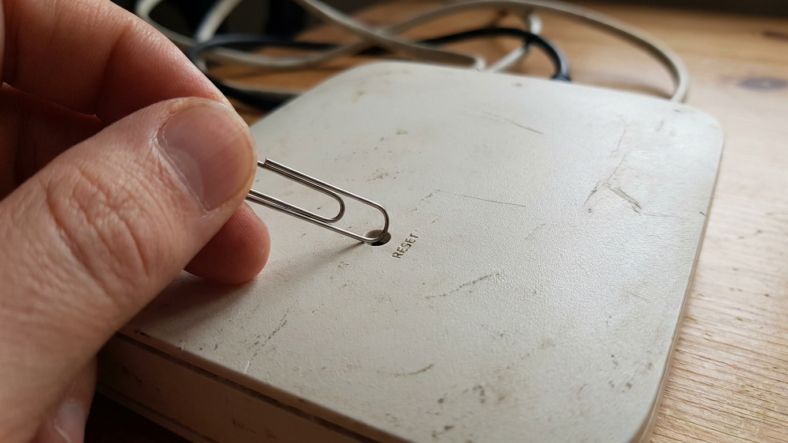
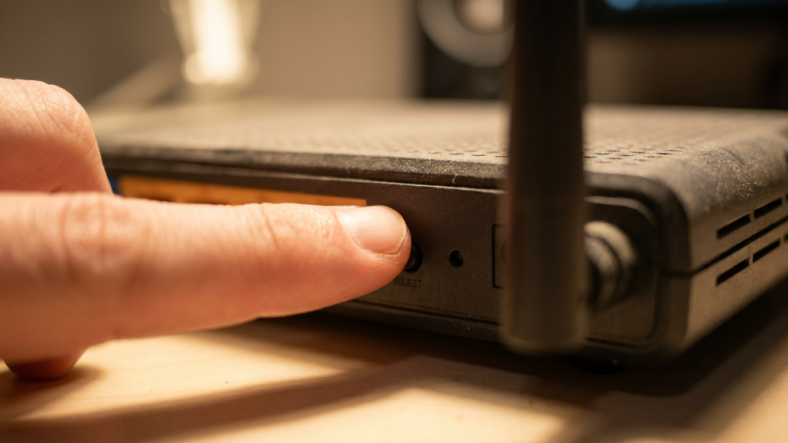
You need an ethernet switch if you’re running out of open LAN ports, if a device keeps dropping Wi-Fi in a spot with weak signal, or if you’re setting up a home office with a desktop, a printer, and a second monitor dock that all want a wired connection. Before you buy anything, confirm your router setup is actually working right. Something as basic as knowing how to reset a router without losing your saved settings saves you from troubleshooting a switch problem that was really a router problem all along.
If you’re shopping for a new router at the same time, run through a proper buying guide checklist first, since port count on the router itself often determines whether you need a switch on day one or a few months down the line.
Frequently Asked Questions
Does an ethernet switch slow down my internet speed?
No, a quality switch adds no meaningful delay. Look for a gigabit-rated switch if your internet plan exceeds 100 Mbps, since an older 10/100 switch can cap your speed on every device plugged into it.
Can I connect two ethernet switches together?
Yes, you can daisy-chain switches by running a cable from a port on the first switch into a port on the second. Each additional switch in the chain adds a tiny amount of latency, so keep the chain short for anything sensitive like gaming or video calls.
Do I need an ethernet switch if I only use Wi-Fi?
No. A switch only helps devices connected by a physical cable. If everything in your home runs on Wi-Fi with no wired devices, a switch has nothing to plug into and won’t improve your connection.

Adriana Mercado is a writer who explores the intersection of science, futurism, and storytelling. She covers simulation theory, emerging technologies, strange biological discoveries, and the worlds created in sci-fi and fantasy. Her work focuses on curiosity, clear explanations, and uncovering ideas that sit just beyond the mainstream.