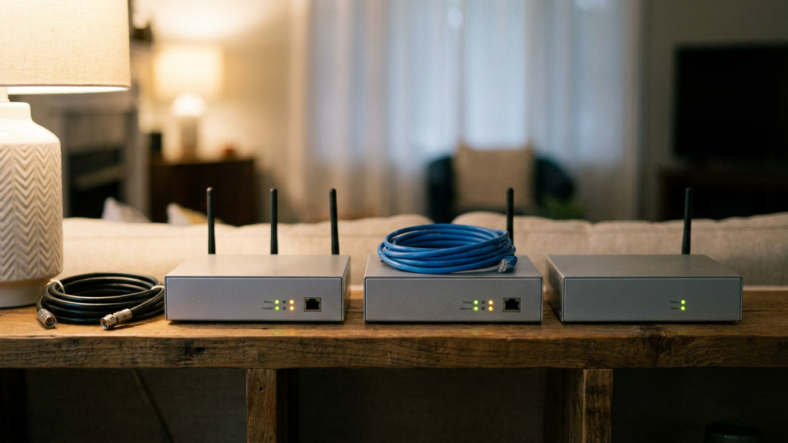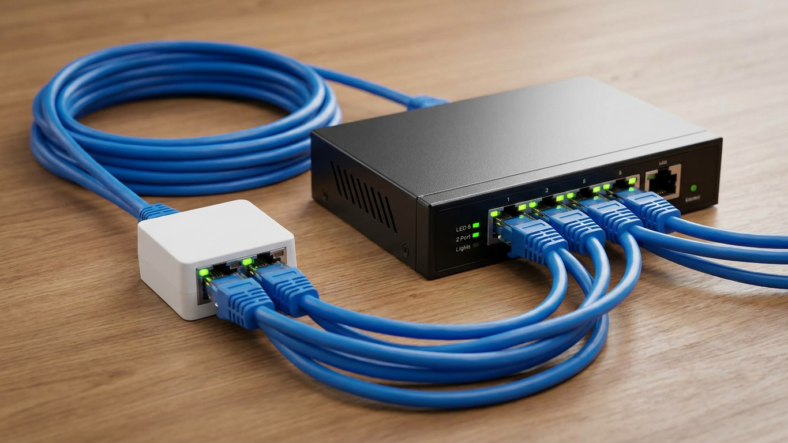


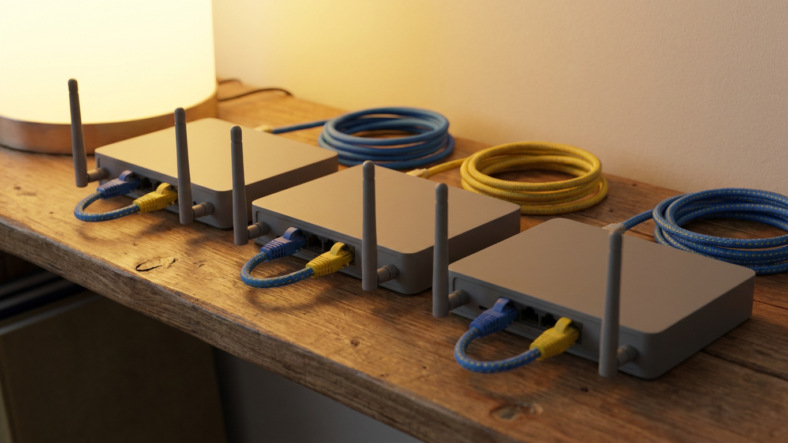
A modem connects your home to your internet provider, a router shares that connection with your devices over Wi-Fi, and a switch adds more wired ports when the router runs out. Mixing these three up is why home setups end up with one overloaded box and a tangle of cables. Once you know what each device actually does, wiring a home office or media rack gets a lot easier.
What a Modem Actually Does
Your modem translates your internet service provider‘s signal (cable, fiber, or DSL) into the standard Ethernet your home devices understand. It has one job: get an internet connection into your house.
A modem does not create Wi-Fi and does not let you plug in five devices. It has a single Ethernet port inside, which connects straight to your router. Without a router behind it, only one wired device could get online at a time.
What a Router Actually Does
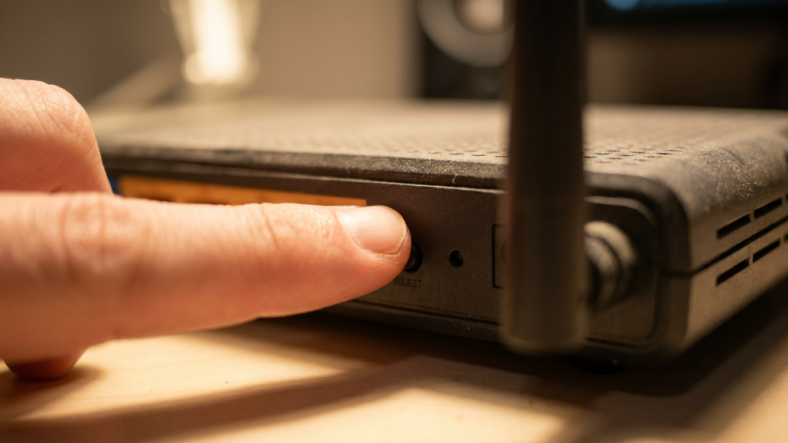
The router takes the single connection from the modem and turns it into a usable home network. It assigns a local IP address to every phone, laptop, and smart device, broadcasts your Wi-Fi signal, and directs traffic to the right place.
This is why the difference between a modem and a router trips people up. The modem gets you online. The router decides which device is asking for what, and usually has a few Ethernet ports built in for wired gear.
What a Switch Actually Does
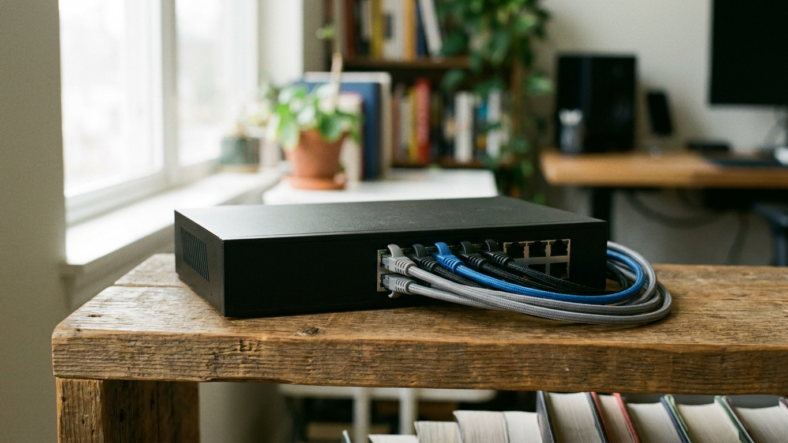
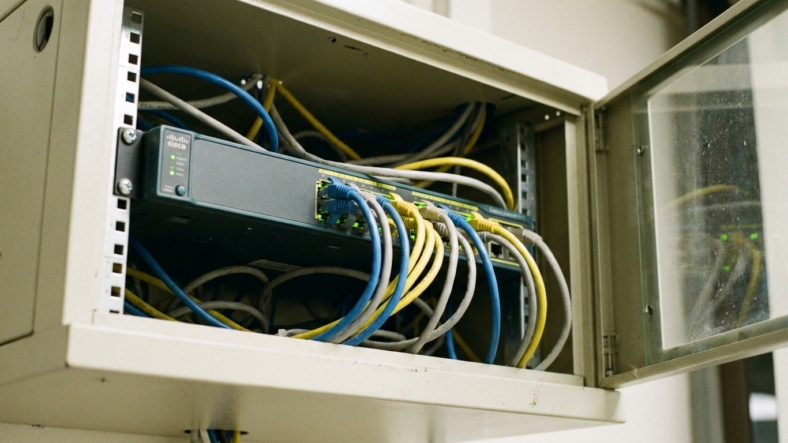
A network switch multiplies wired ports. It operates at what networking people call Layer 2, reading device hardware addresses and forwarding data between them on the local network.
A switch does not assign IP addresses and does not route anything to the internet on its own. Plug one into a router’s Ethernet port and every device connected to it gets more wired access, but the router upstream still handles addressing and internet traffic. That is the core distinction in the ethernet switch conversation: it extends a router’s wired reach, it does not replace it.
When You Actually Need a Switch
Most routers ship with four wired ports, and that runs out fast once you add a desktop, a smart TV, a console, and a printer. Instead of buying a pricier router with more ports, plug an inexpensive switch into one existing port and gain several more.
A switch also earns its keep on a home office desk with multiple wired machines, or a media cabinet where a TV and streaming box need stable connections instead of fighting for Wi-Fi bandwidth. Still deciding whether your setup needs a third box, or whether a combined device already covers it? The modem vs router vs gateway breakdown covers the all-in-one option some ISPs hand out.
How the Three Work Together
The order is simple. The modem connects to your ISP and hands a raw signal to the router. The router creates your Wi-Fi network and manages every device’s address. A switch, if you have one, plugs into the router and multiplies wired ports for desktops, consoles, and other cabled hardware.
Skip a step and the network breaks. Plug a switch straight into a modem and none of your wired devices get an IP address, because addressing is a router’s job, not a switch’s.
Frequently Asked Questions
Can I use a switch instead of a router?
No. A switch cannot assign IP addresses or connect your network to the internet. You still need a router for that; the switch only adds wired ports downstream of it.
Does a switch slow down my internet speed?
An unmanaged switch adds negligible delay under normal home use. Speed problems usually trace back to the router, the modem, or the wiring, not the switch itself.
Do I need a switch if I only use Wi-Fi?
No. Switches only matter for wired Ethernet connections. If every device in your home connects over Wi-Fi, a switch adds nothing since there is no shortage of wired ports to solve.

Adriana Mercado is a writer who explores the intersection of science, futurism, and storytelling. She covers simulation theory, emerging technologies, strange biological discoveries, and the worlds created in sci-fi and fantasy. Her work focuses on curiosity, clear explanations, and uncovering ideas that sit just beyond the mainstream.