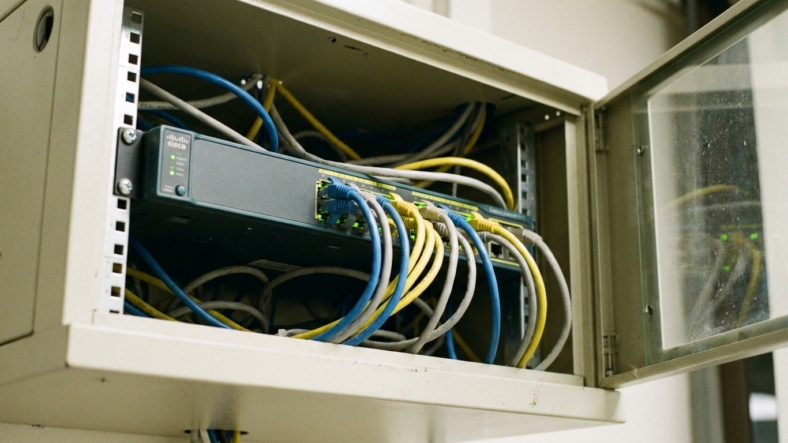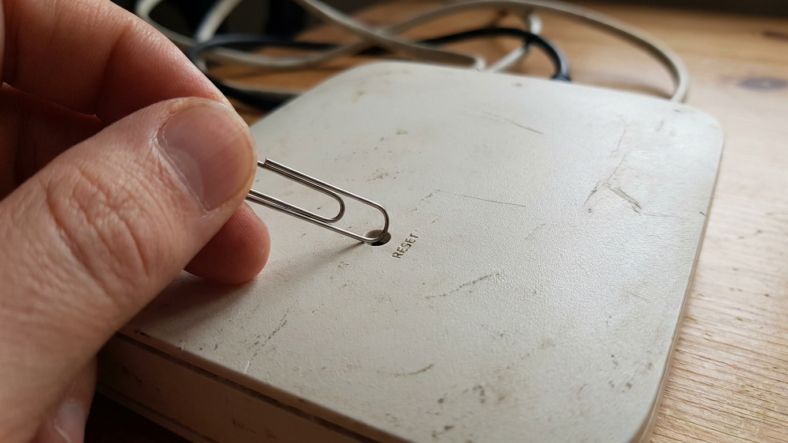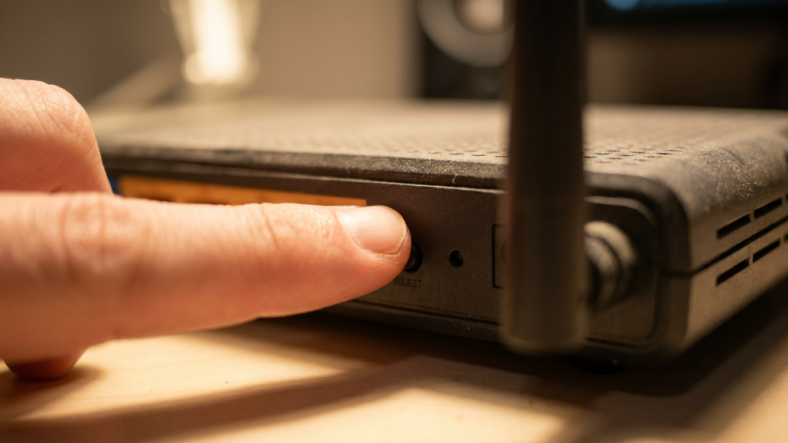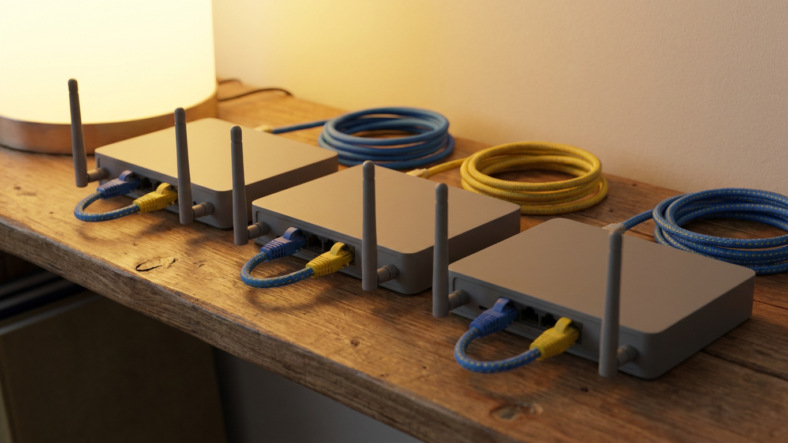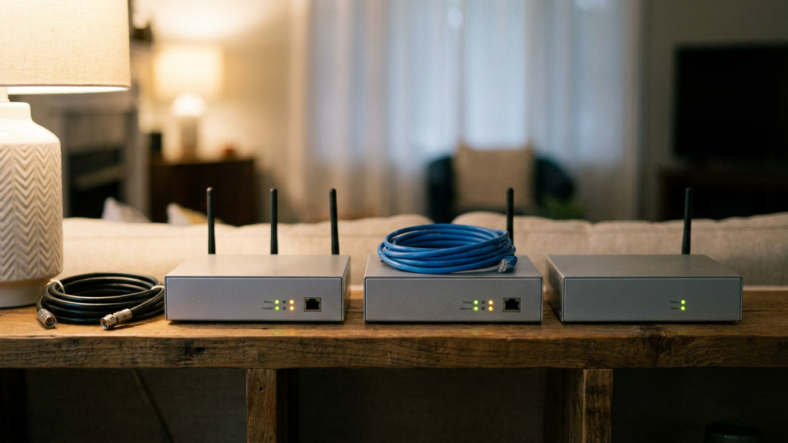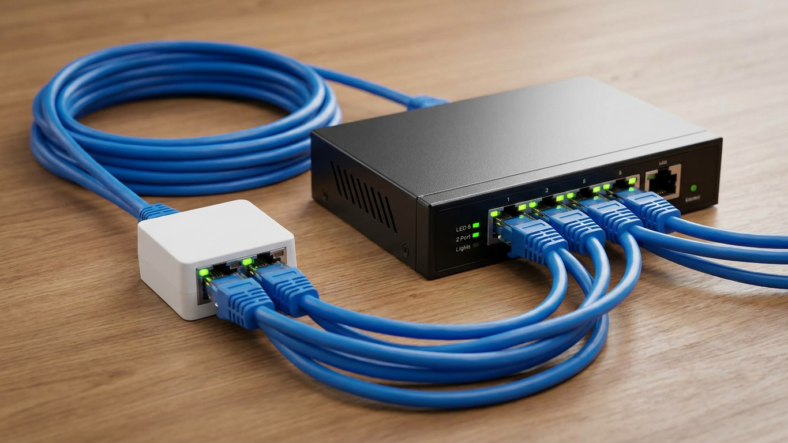


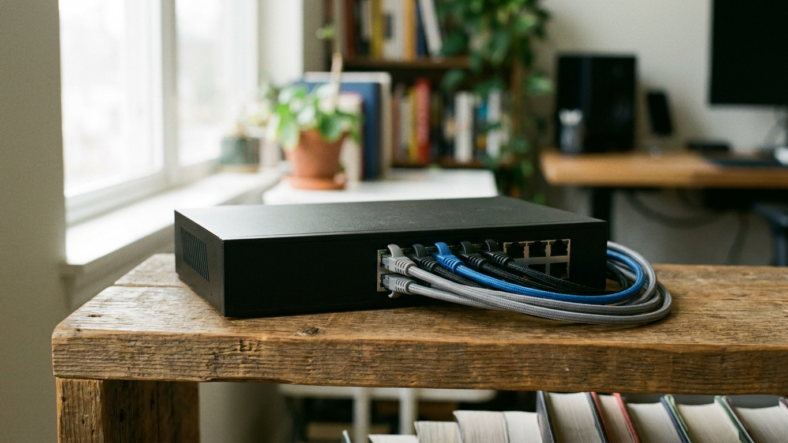
An 8 port ethernet switch fits a setup with five or six wired devices already, plus one or two more likely within a year. Fewer devices, a 5-port model saves desk space and money.
Count Your Wired Devices First, Not Your Wish List
Walk your setup and count what actually plugs into ethernet today. Desktop, NAS, smart TV, console, streaming box, printer, a second monitor dock.
Skip devices that already run fine on Wi-Fi, since a switch only helps the wired side of a network. Add one slot for anything you plan to buy within a year, a second console or a NAS upgrade. That forward count separates a 5-port switch from an 8-port one.
Why the Uplink Port Eats One of Your Eight
One port on any switch connects back to your router. That port is not available for a device, which is why an “8 port” switch behaves like a 7-port one in practice.
People buy an 8-port switch for exactly eight devices, then find they are short by one. Count the uplink cable as a used slot before counting anything else.
5 vs 8 vs 16 Ports: Picking the Right Size
A 5-port switch fits two or three wired devices with room for one more, the cheapest option and easiest to tuck behind a TV.
An 8-port switch is the sweet spot for a home office or living room mixing streaming gear, a console, and a desktop. It handles six real devices once the uplink is counted, with a spare port left for a guest laptop.
A 16-port switch belongs in a converted garage office or a house wired to every room. Buying one for four devices means paying for ports you will never fill.
Unmanaged or Managed at This Size
At 8 ports, unmanaged is almost always the right call. Plug it in, plug your devices in, done. No login screen, nothing to break during a firmware update.
Managed switches earn their cost once you need to separate traffic or watch what is connected, a small-office need more than a home one. If your ethernet switch just extends ports your router already runs, unmanaged does the job without the extra cost.
PoE Ports If Cameras or Access Points Are Involved
Cameras and access points running on Power over Ethernet need PoE ports, not standard ones. PoE switches cost more per port, so pay for PoE only on ports actually feeding powered gear.
Check the listed PoE budget too. Several cameras at once can exceed what a lower-end switch supplies.
Daisy-Chaining Two Switches vs Buying One Bigger Switch
Running out of ports on an existing 5-port switch does not always mean replacing it. Plugging an 8-port switch into one port of the smaller one adds seven usable ports for the cost of one cable run.
Each hop in a chain adds a small amount of latency, so keep chains short for gaming or video calls. For a permanent setup with room to grow, one properly sized switch beats two chained together. Our ethernet splitter vs switch comparison covers why a splitter shortcut costs you bandwidth instead.
If your router is short on LAN ports before a switch enters the picture, a wifi router buying guide tells you whether the bottleneck starts upstream.
Frequently Asked Questions
Is an 8 port switch enough for a home network?
For most homes with five to seven wired devices, yes. Count the uplink port as used before deciding, since it is not available for a device.
Should I buy 8 ports or go straight to 16?
Buy 16 only if you already have ten or more wired devices, or you are wiring a whole house. Otherwise you pay for ports that sit empty for years.
Can I add a second switch instead of upgrading to a bigger one?
Yes, daisy-chaining a second switch works and is often cheaper than replacing what you own. Keep the chain to two switches for latency-sensitive use like gaming.

Adriana Mercado is a writer who explores the intersection of science, futurism, and storytelling. She covers simulation theory, emerging technologies, strange biological discoveries, and the worlds created in sci-fi and fantasy. Her work focuses on curiosity, clear explanations, and uncovering ideas that sit just beyond the mainstream.