


The numbers on a wifi router box, like AX1800 or AC3000, are marketing math, not a promise of your actual speed. They add every theoretical maximum across every radio band, a total your phone will never touch alone.
The wrong pick means dead zones, a laggy call, or paying for speed your plan does not deliver. Here is what to check, and what to ignore.
What AC and AX actually mean
AC and AX are shorthand for Wi-Fi generations. AC is Wi-Fi 5, still common on budget routers. AX is Wi-Fi 6, the current mainstream generation, with Wi-Fi 6E and Wi-Fi 7 as newer variants. Each generation improves how many devices a router handles at once, which matters most in a house full of phones and laptops competing for the same connection.
Troubleshooting an existing box rather than buying? See our guide on modem vs router differences.
What the number after AX or AC represents
The number, like AX5400 or AC1900, is the combined theoretical top speed across every radio band added together, in megabits per second. No single device hits that figure, since your phone uses only one band at a time. An AX5400 router might split into roughly 574 Mbps on 2.4GHz and 4800 Mbps on 5GHz. Treat the label as a rough tier, not a literal guarantee.
Dual band versus tri band
A dual band router broadcasts on 2.4GHz and 5GHz. A tri band router adds a second 5GHz band, or on newer models a 6GHz band, so devices spread out instead of fighting for one channel.
2.4GHz travels farther through walls but carries less data. 5GHz is faster up close but drops off with distance. 6GHz, on Wi-Fi 6E and Wi-Fi 7 routers, is fastest with the shortest range. Tri band pays off in a busy household; a small apartment is fine on dual band, and cheaper.
Coverage, speed, and device count are separate problems
A spec sheet blurs these together. Coverage is signal reach. Speed is throughput once connected. Device count is how many gadgets stay connected without slowdowns. A router with a huge speed number can still leave your back bedroom weak if its antennas are modest, and mesh usually fixes that better than a stronger single router.
What mesh wifi claims actually deliver
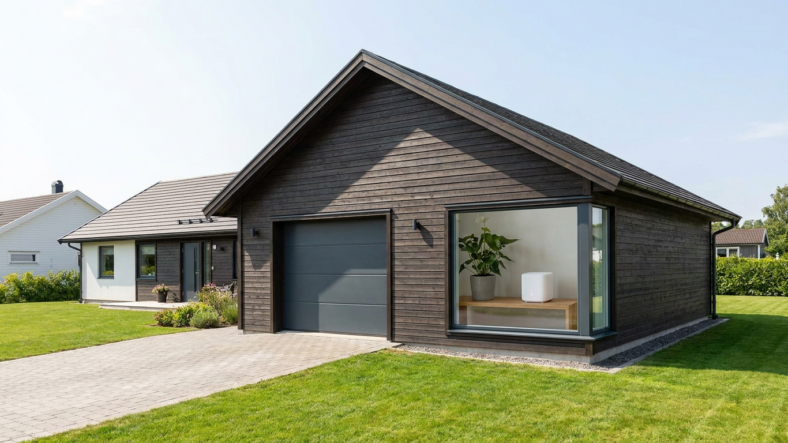
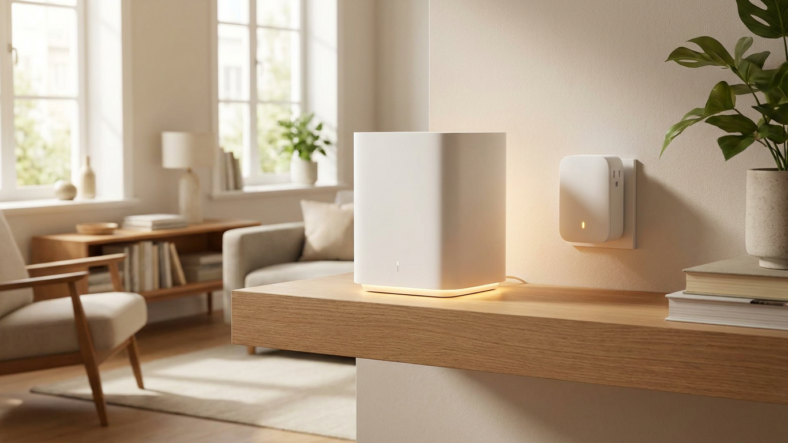
Mesh wifi uses two or more units placed around your home that work as one network, instead of one router blasting a signal through every wall from a single spot. Devices switch between units automatically as you move.
Mesh genuinely fixes dead zones in larger homes, but it does not make your internet plan faster. A home under 1,500 square feet with no dead zones needs only one well-placed router.
What to check before you buy
Match the router to your internet plan speed first. A high-end AX6000 router on a 100 Mbps plan will not make your internet faster, since the bottleneck is your provider, not the box. Count connected devices honestly, then check Ethernet port count if you plan to wire a console for a steadier connection.
For setup help once your router arrives, see our guide on resetting a router without losing your settings, and browse the Freeze Wall homepage for more plain-English tech explainers.
Does a higher AX number always mean faster internet?
No. It is a combined theoretical maximum across all bands, not a speed any single device sees. Your actual speed is capped by your internet plan and the band your device uses.
Do I need Wi-Fi 6E or Wi-Fi 7 right now?
Only if your devices support it and you want the extra 6GHz band on a crowded network. Most recent phones and laptops run fine on standard Wi-Fi 6.
Will a mesh system fix slow internet speeds?
Only if the slowness comes from weak signal in specific rooms. If speed is slow everywhere, including next to the router, the problem is your internet plan, not your hardware.

Adriana Mercado is a writer who explores the intersection of science, futurism, and storytelling. She covers simulation theory, emerging technologies, strange biological discoveries, and the worlds created in sci-fi and fantasy. Her work focuses on curiosity, clear explanations, and uncovering ideas that sit just beyond the mainstream.