

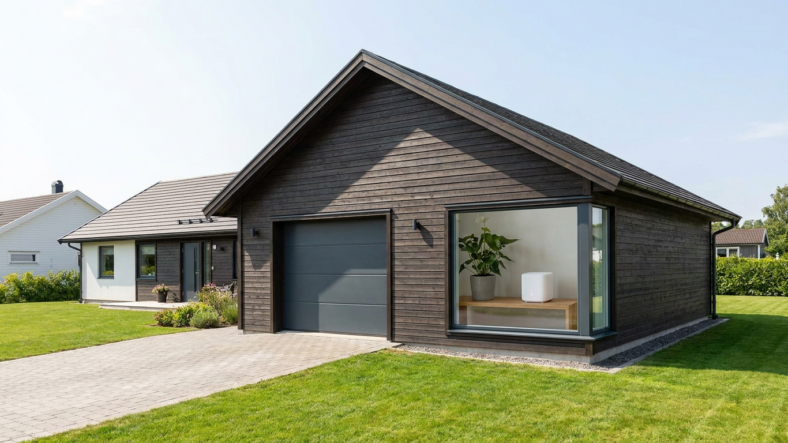
You extend wifi range to a garage or shed by adding a second wireless point that bridges the gap, not by cranking up your router’s power. The three realistic options are a wireless mesh node, a powerline adapter kit, or a dedicated outdoor access point, and the right pick depends on distance, whether the building shares a wall with the house, and how much data you actually need out there.
A detached structure is a different problem than a dead zone inside the same house. Every wall your signal crosses costs strength, and exterior brick, stucco, or metal siding costs far more than interior drywall. Add 30 or 40 feet of open air between structures and a stock router signal often can’t survive the trip.
Mesh Node or Range Extender: Which One Reaches a Detached Building
A traditional range extender rebroadcasts your existing signal, so it still needs a decent signal to work with. Put one in the garage and it may just repeat a weak, unstable connection.
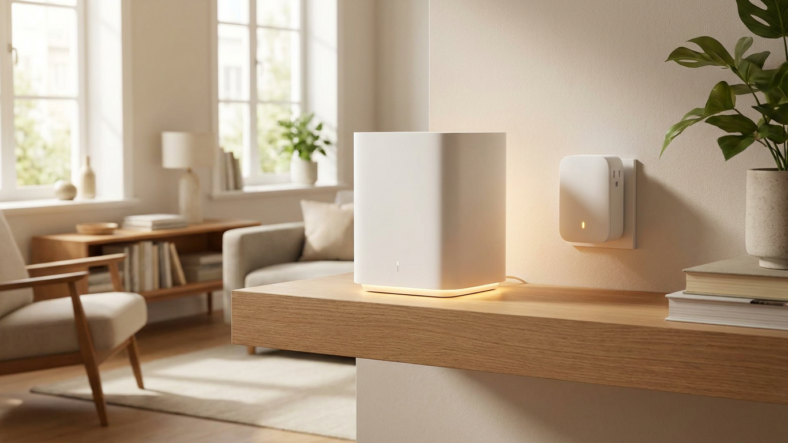
A mesh node from the same family as your main router talks to the rest of the system over its own dedicated backhaul, which holds up better across a yard gap. We compare the two mechanisms in this breakdown of mesh systems versus range extenders. For a shed or garage, mesh wins once the gap is more than a room away.
Powerline Adapters: Using House Wiring Instead of Air
If the garage or shed shares an electrical circuit with the house, a powerline adapter kit sends your network signal over existing wiring instead of through walls and open air. One unit plugs in near your router, the other at the outbuilding, and it hands off wifi from there.
This only works reliably when both buildings share a panel. A shed fed by its own subpanel or a long buried run can perform inconsistently, so check your panel setup first.
Dedicated Outdoor Access Point for Heavier Use
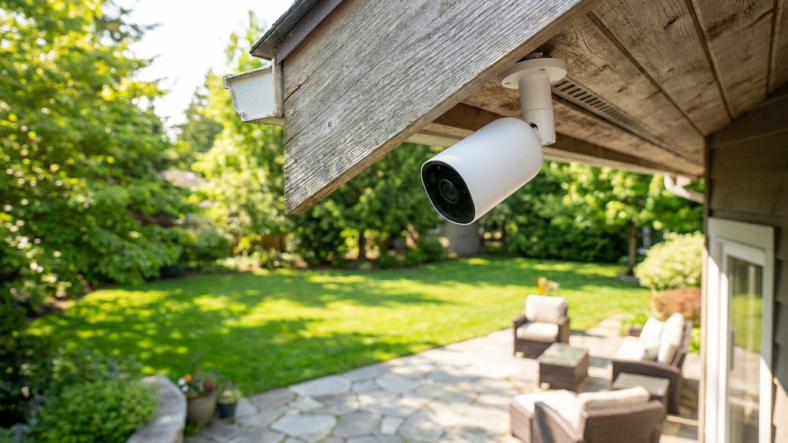
If you work out of the garage daily, run cameras, or stream video from the shed, a weatherproof access point wired back with a single ethernet run is the most stable answer. It sidesteps the signal-degradation problem entirely because the heavy lifting happens over cable.
This means running one cable once, buried or mounted along a fence line, instead of fighting wireless interference every season. It costs more upfront but removes the guesswork wireless-only fixes carry.
What Actually Blocks the Signal Between Buildings
Distance matters, but material matters more. Metal siding, stucco with wire lath, and brick attenuate wifi far more than wood-frame walls or glass. Line of sight helps enormously: a mesh node at a window facing the outbuilding will usually outperform one buried in a closet on the far side of the house.
Before buying anything, check what the specs on your router’s box actually mean so you know if your hardware supports a mesh add-on, and confirm which box in your setup is the modem, router, or gateway before rearranging anything.
Frequently Asked Questions
Can I just move my router closer to the garage? Sometimes, if it’s on an exterior wall facing the outbuilding, but most routers aren’t designed to sit near a window or an unheated space long-term, so a dedicated extension point is the more durable fix.
Do I need an electrician to run ethernet to a detached garage? Not for the cable itself, but if the run crosses a driveway or goes underground, direct-burial-rated cable and conduit are worth the extra cost to avoid weather damage.
Will a mesh node work through an unheated shed’s walls in winter? Cold doesn’t hurt wifi hardware, but many consumer mesh nodes aren’t rated for outdoor extremes, so keep the unit itself indoors even if the shed goes unheated.

Adriana Mercado is a writer who explores the intersection of science, futurism, and storytelling. She covers simulation theory, emerging technologies, strange biological discoveries, and the worlds created in sci-fi and fantasy. Her work focuses on curiosity, clear explanations, and uncovering ideas that sit just beyond the mainstream.