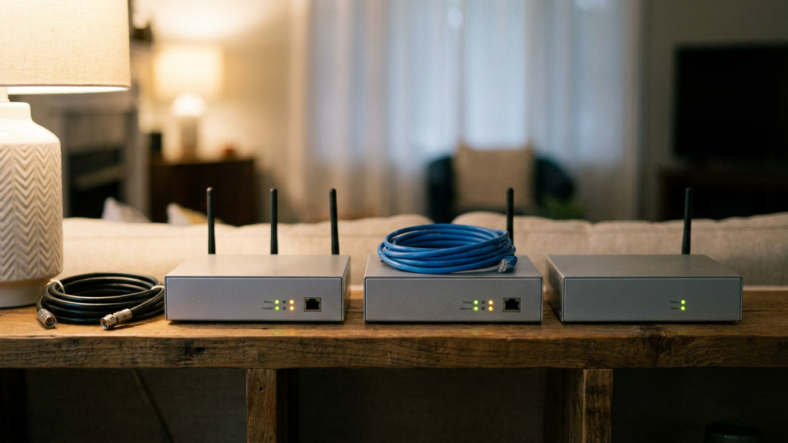


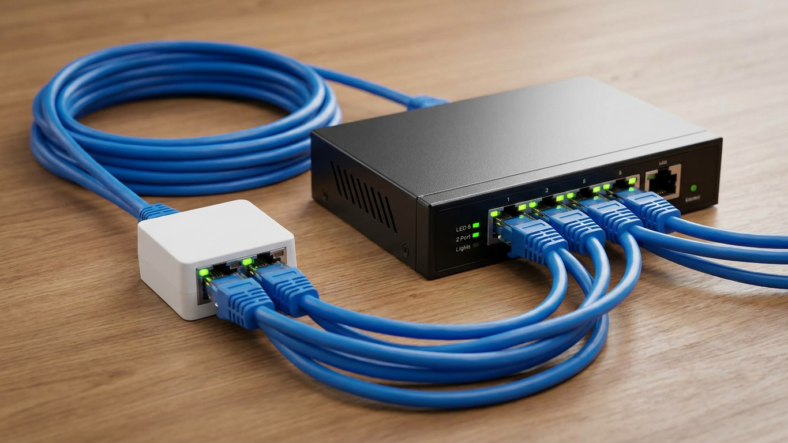
An ethernet splitter is a small passive adapter that lets two devices share one ethernet cable, and it caps both connections at 100 Mbps. That happens because a splitter only uses two of the four twisted pairs inside a standard cable, so it can never carry gigabit speeds no matter what the box promises. If you want full speed and more than two devices, you want an ethernet switch, not a splitter.
What an Ethernet Splitter Actually Is
A splitter is a passive piece of plastic with no electronics inside. It takes one incoming cable and divides its wire pairs between two output jacks so two devices each get a partial connection.
Nothing gets amplified or managed. It just rewires which pins go where.
Why a Splitter Only Works in Pairs
Standard ethernet cable carries four twisted pairs of wires, and gigabit ethernet needs all four working together to hit full speed.
A splitter hands two pairs to one device and two pairs to the other. Each device is stuck at 10/100 Mbps because it only has access to half the wiring a gigabit connection needs.
You also need a matching splitter on both ends of the run, one at the wall jack and one at each device, or the wiring won’t line up.
Why an Ethernet Switch Doesn’t Have This Problem
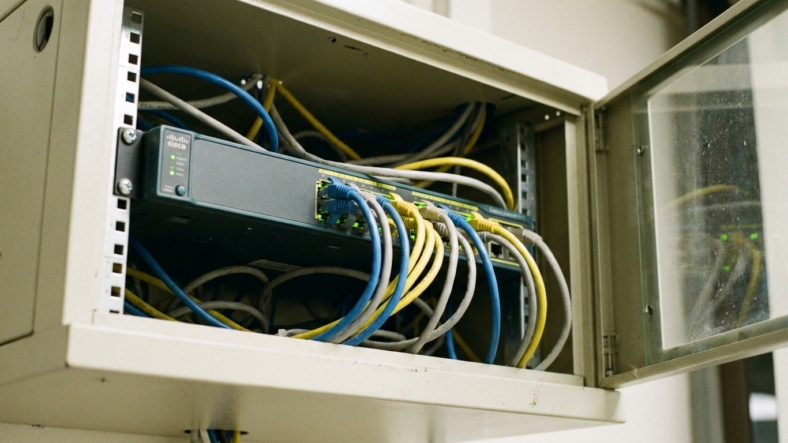
A switch is an active device with its own circuitry that forwards traffic to each port independently. Every port gets full access to all four wire pairs, so every connected device can run at full gigabit speed at once.
A switch also scales past two devices. Plug in a 5-port or 8-port model and you’ve solved the problem a splitter creates, minus the speed penalty and the requirement for a matching unit on the other end.
Ethernet Splitter vs Switch: The Real Comparison
A splitter is cheaper and needs no power, which is the entire pitch. A switch needs an outlet and costs more, though rarely by much for a basic 5-port unmanaged model.
Speed is where the comparison ends fast. Two devices on a splitter fight over one 100 Mbps link split between them. Two devices on a switch each get their own gigabit connection through that same wall jack.
If you’re troubleshooting a slow wired connection first, check whether the bottleneck starts upstream. A modem and router handle your connection differently, and a splitter downstream can’t fix a problem that starts at the router.
When a Splitter Still Makes Sense
A splitter earns its place in one narrow case: one ethernet drop available, two low-bandwidth devices like a VoIP phone and a basic printer, and gigabit speed that genuinely doesn’t matter.
Outside that scenario, the math doesn’t favor the splitter. Streaming boxes, consoles, and smart TVs all benefit from full bandwidth, and a splitter quietly throttles every one of them with no warning on the box.
Signs You Bought the Wrong One
If a device connected through a splitter feels slower than it did on Wi-Fi, that’s the 100 Mbps ceiling showing up. Large file transfers, 4K streaming, and online gaming expose the limit fast.
Before blaming the splitter, confirm your router setup is solid first. A proper router buying guide rules out a weak router as the real source of the slowdown.
Frequently Asked Questions
Can an ethernet splitter reach gigabit speeds?
No. A passive splitter uses only two of the four wire pairs per device, which caps each connection at 100 Mbps regardless of your internet plan or the cable’s rating.
Do I need two ethernet splitters to make one work?
Yes, in most setups. One splitter sits at the source jack and a matching one sits at the far end where the two devices connect, splitting the pairs correctly on both sides of the run.
Is an ethernet switch always better than a splitter?
For anything beyond two very low-bandwidth devices, yes. A switch gives every connected device its own full-speed link instead of forcing devices to share a single capped connection.

Adriana Mercado is a writer who explores the intersection of science, futurism, and storytelling. She covers simulation theory, emerging technologies, strange biological discoveries, and the worlds created in sci-fi and fantasy. Her work focuses on curiosity, clear explanations, and uncovering ideas that sit just beyond the mainstream.