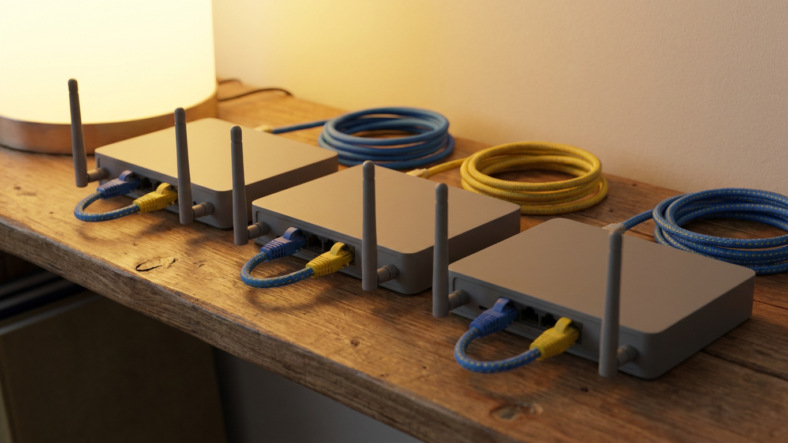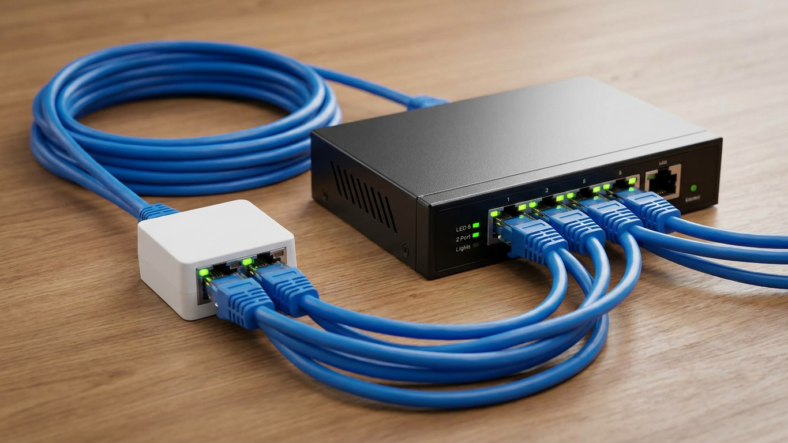


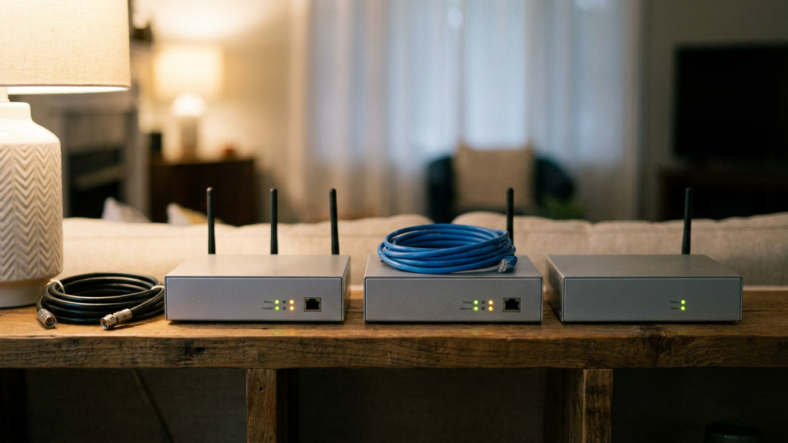
A modem connects your home to your internet provider, a router splits that connection across your devices, and a gateway is a single box that does both jobs at once. Most people who ask “modem vs router vs gateway” already understand modem vs router. The confusion starts when the provider hands them one box and calls it something else.
That box is almost always a gateway. Knowing which one you have changes how you troubleshoot, upgrade, and pay for equipment.
What Each Box Actually Does
The modem talks to your internet service provider over coax, fiber, or phone line and turns that signal into usable data. It hands out one internet connection to whatever plugs into it.
The router shares that single connection. It assigns local IP addresses and broadcasts Wi-Fi so your laptop, phone, and TV all use the same feed. See how a modem and router actually differ for the full handoff.
A gateway is a modem and router built into one shell. Spectrum, Xfinity, and most fiber providers ship these by default since supporting one box costs less than two.
How to Tell Which One You Have
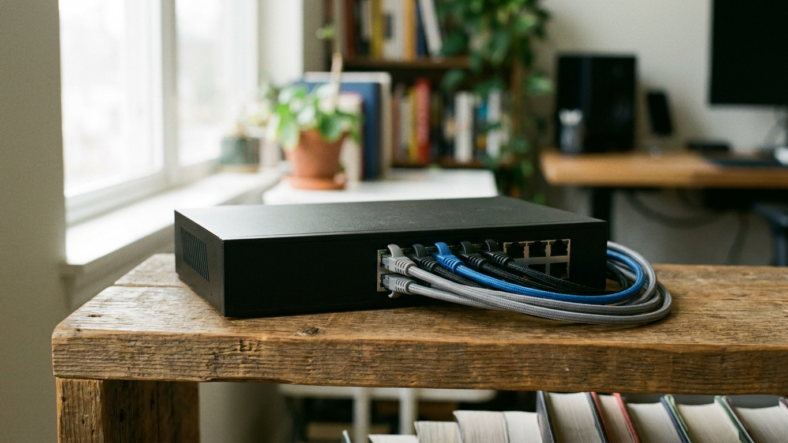
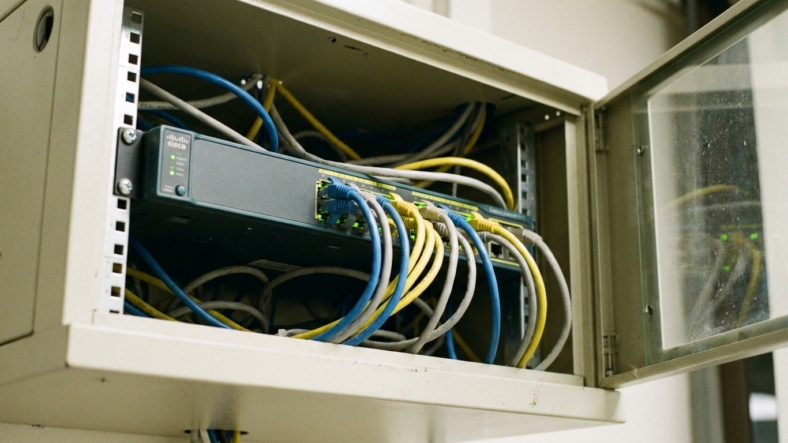
Count the ports and the lights. A standalone modem has one Ethernet port and no Wi-Fi markings. A standalone router has multiple Ethernet ports and visible Wi-Fi indicators but no coax or fiber input.
A gateway has both: a coax or fiber jack, multiple Ethernet ports, and Wi-Fi broadcasting from the same unit. If your provider gave you one box and the Wi-Fi name matches your account number, you have a gateway.
Why the Difference Actually Matters
Separate setups let you swap either piece without touching the other. Bad Wi-Fi range on a gateway usually means buying a whole new gateway, since the router half cannot be replaced alone.
With separate boxes, a weak router gets swapped while the modem keeps its ISP-approved connection. That is why our wifi router buying guide only applies once a standalone router is actually installed.
Gateways also make troubleshooting harder. A dropped connection could be modem-side or router-side, and one box gives no way to isolate which.
Can You Turn a Gateway Into a Separate Setup
Yes, through bridge mode. Enabling it on a gateway shuts off the router function and leaves only the modem active.
You then connect your own router to the gateway’s Ethernet port, recreating a modem-plus-router setup. Not every ISP gateway supports bridge mode, and some bury the setting inside the provider’s app.
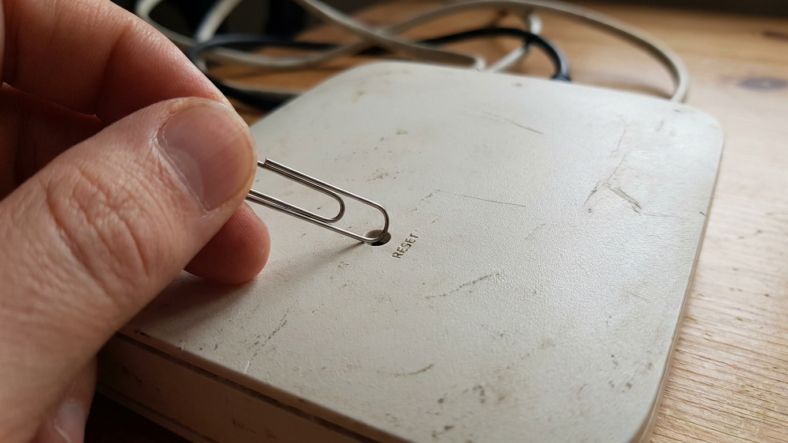
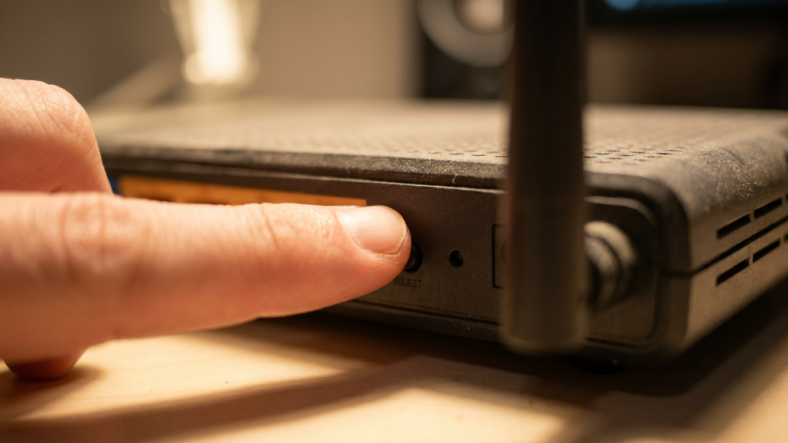
Bridge mode plus your own router is usually cheaper than a new mesh gateway system. If you already run separate gear and just need a clean reset, see router vs modem roles and troubleshooting for which box to power-cycle first.
Which Setup Should You Actually Choose
Pick a gateway for one box, one login, and minimal setup. It handles basic browsing and streaming fine in smaller homes.
Pick separate hardware for mesh Wi-Fi, better antennas, or upgrading one piece without replacing everything. Renters benefit too, since an owned modem travels with them while a rented gateway does not.
Frequently Asked Questions
Is a gateway the same as a router? No. A gateway contains a router but also includes the modem function, so it does both jobs a standalone router alone cannot do.
Can I use my own router with an ISP gateway? Yes, if the gateway supports bridge mode. Enable bridge mode, then connect your router to the gateway’s Ethernet port.
Does a gateway slow down my internet compared to separate boxes? Not inherently. Speed depends on the hardware inside the box, not whether the modem and router functions share one shell or two.

Adriana Mercado is a writer who explores the intersection of science, futurism, and storytelling. She covers simulation theory, emerging technologies, strange biological discoveries, and the worlds created in sci-fi and fantasy. Her work focuses on curiosity, clear explanations, and uncovering ideas that sit just beyond the mainstream.